WMTS layers
Prefix: chw
Find a layer of the WMTS service of the geoportal, wmts.geo.admin.ch, and add it to the map. Tiled, these layers display faster than WMS. The search looks in the identifier, the title and the description of each layer.
Example: aerial imagery
Type chw swissimage.
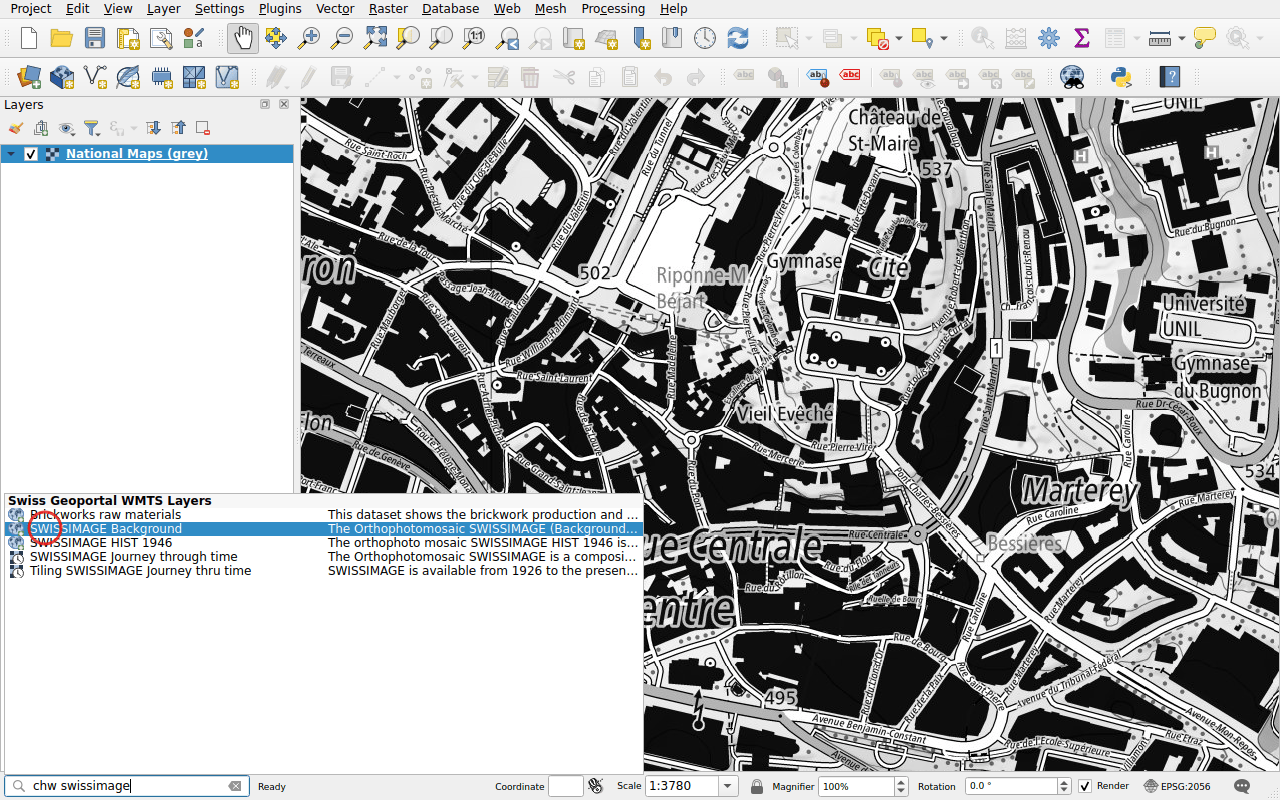
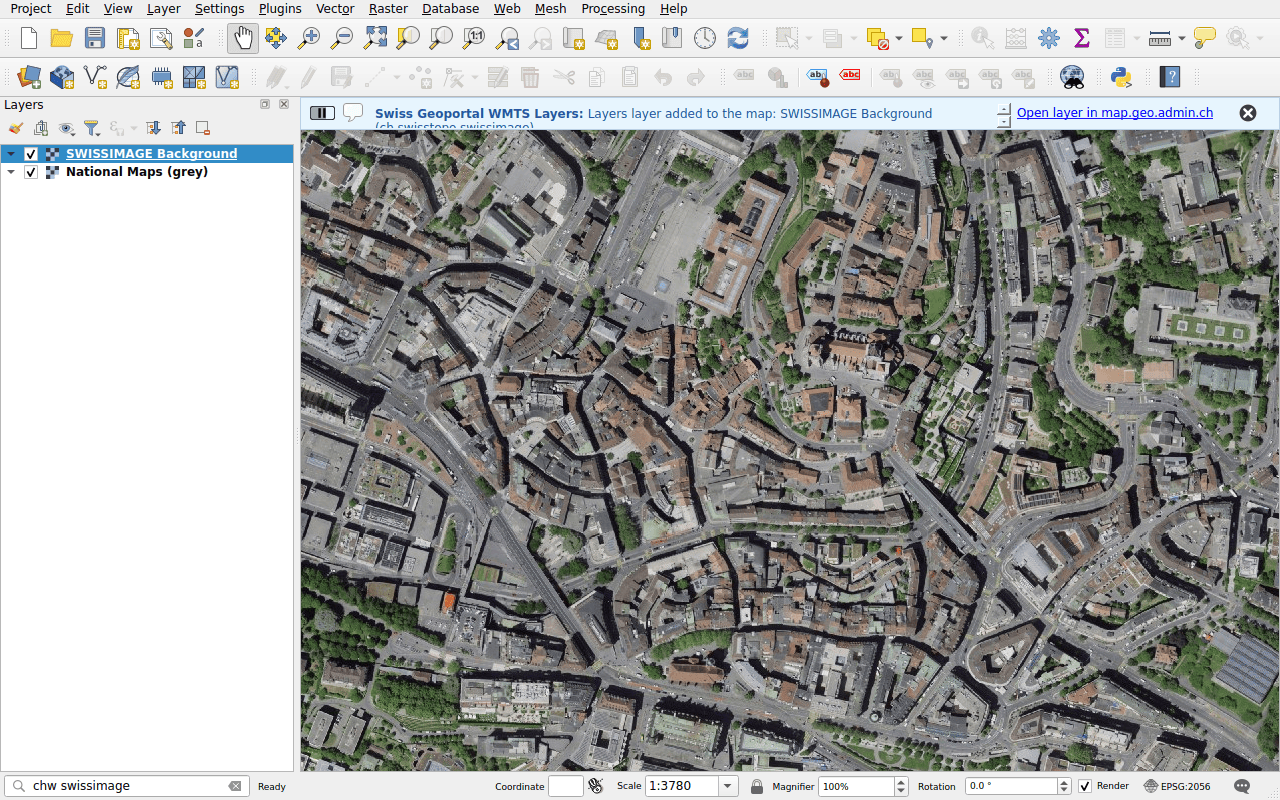
Double-click SWISSIMAGE Background, the aerial imagery of swisstopo.
Layers in time
Layers with several dates, such as Journey through time, have a clock icon. QGIS adds them as temporal layers: choose the date in the panel View ▸ Panels ▸ Temporal Controller.
Note
Some layers of the geoportal can only be displayed on map.geo.admin.ch. When a layer cannot be added, a message says so.